According to news online, Find Hub is rolling out two updates for compatible trackers: Left Behind Notifications and a new Item Category Selection step during tracker setup. We also tested the Find Hub app and confirmed that these features are now available.
1. Left Behind Notifications
Similar to Apple’s Find My network, this feature helps users keep track of their belongings and avoid leaving items behind.
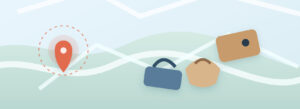
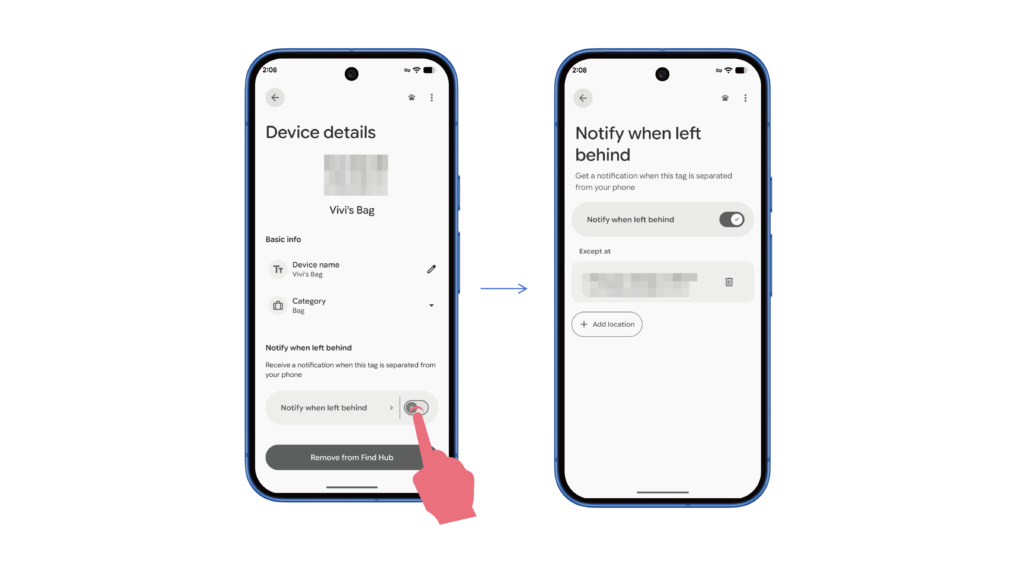
If users accidentally leave something behind, Find Hub can send a notification showing where the item was last seen. Tapping the notification opens the item’s details and location on a map.
Users can find the “Notify when left behind” option on the tracker’s details page. To avoid unnecessary alerts, the home address saved in their Google account is automatically set as a location where notifications won’t be sent. Users can also add or remove other locations.
2. Item Category Selection
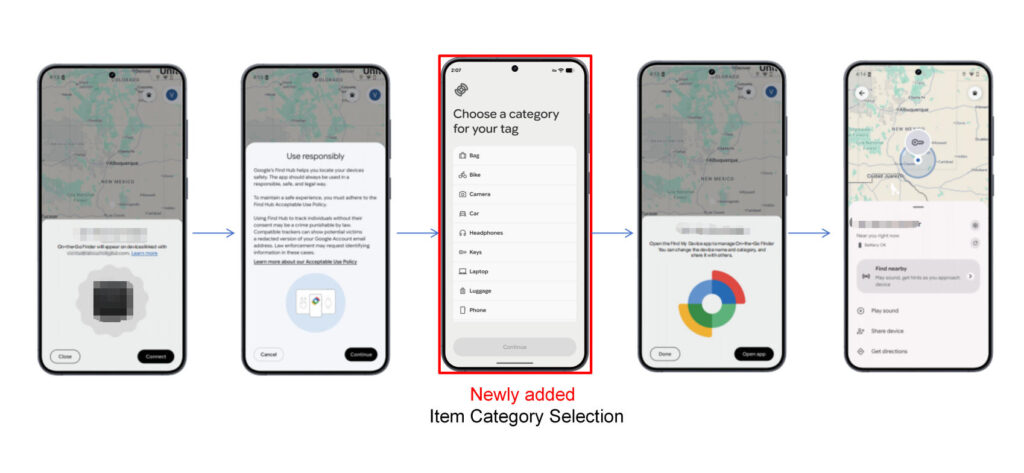
Previously, users could change the item category on the tracker’s details page after connecting it. Now, Google has added this step to the setup process, allowing users to choose a category, such as keys, bags, wallets, or luggage, when connecting a new tracker.